ganymede
ganymede is an open collection of Jupyter notebooks from Eugo: worked case studies on public NOAA and Copernicus data, small runnable programs for Ray Core, Ray Data, Ray Serve, Ray Train and Ray Tune, short demos of popular Python libraries, and smoke tests for Python packages and native libraries. The notebooks use open-source Python packages that you install yourself, mostly with pip, and the source is on GitHub under the BSD 3-Clause License.
Eugo is building the performance cloud. We're making high performance computing the default for every engineering team. None of these notebooks needs Eugo.
Who it is for
- Scientific and geospatial Python users who want to read public satellite and hydrology archives (GOES-16, the National Water Model, Sentinel-2) straight from cloud storage with xarray, rasterio and STAC, and then scale the same step out with Ray.
- Ray users looking for one short, runnable example of a Ray feature: tasks and actors, datasets, model serving, distributed training or hyperparameter tuning.
- Anyone checking an environment: the package smoke tests show quickly whether an installed Python package or native library actually works.
What is in it
| Section | What you will find |
|---|---|
| Case studies | Longer worked examples on public data: land surface temperature from GOES-16 NetCDF files, streamflow forecasts from the NOAA National Water Model, and resampling Sentinel-2 imagery. Each one ends by running its per-file step in parallel with Ray. |
| Ray patterns | One small Ray program per notebook, drawn in Eugo's visual Ray builder and shown with the plain Ray code it generated, run on Ray 2.55.1 with outputs (three that need a GPU, a model-serving engine or a data catalog are code only). |
| Demo notebooks | Short demos of libraries for data storage, geospatial work, visualisation, data processing, testing and more. |
| Package tests | One smoke-test notebook per Python package, and declarative install checks for native libraries. |
| FAQ | Short answers to common questions, each linking the notebook that shows it. |
Gallery
Figures from the notebooks, as committed in the repository. Select one to open its notebook.
-
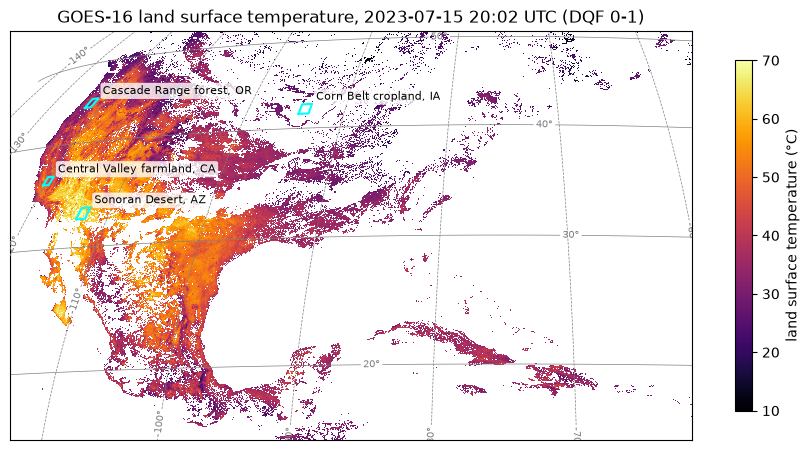
Land surface temperature from GOES-16 NetCDF files
Land surface temperature from NOAA GOES-16, read straight from the public S3 bucket.
-
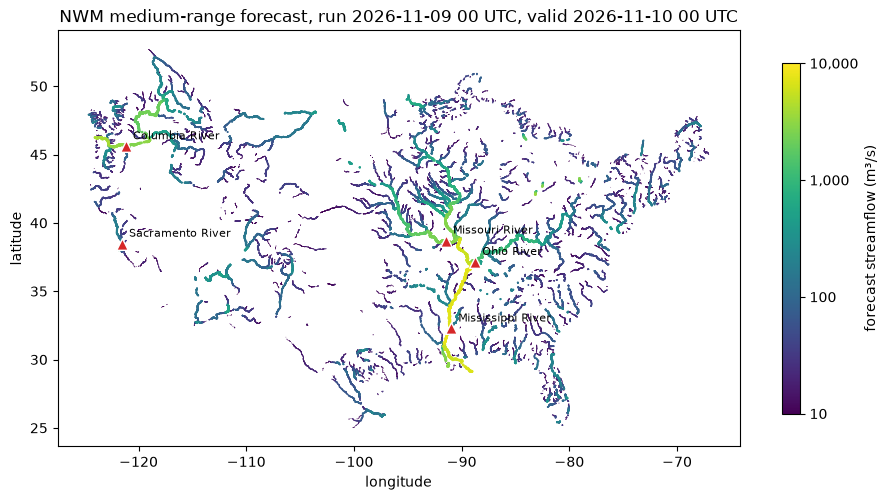
Streamflow forecasts from the NOAA National Water Model
A 10-day streamflow forecast from the NOAA National Water Model.
-
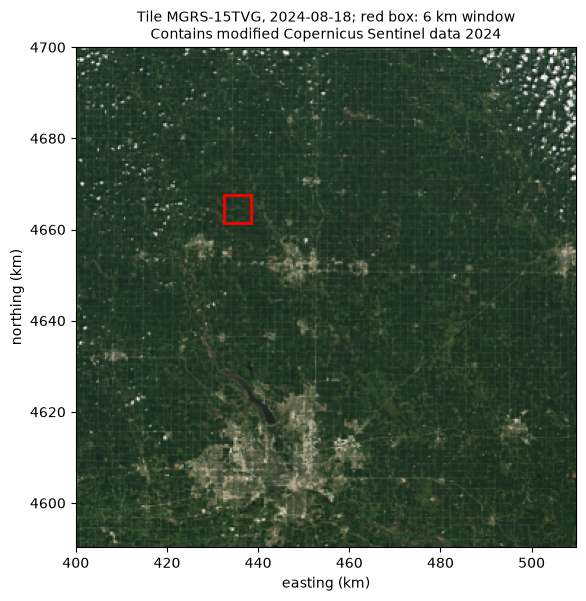
A Sentinel-2 tile over central Iowa, read as Cloud-Optimized GeoTIFFs.
-
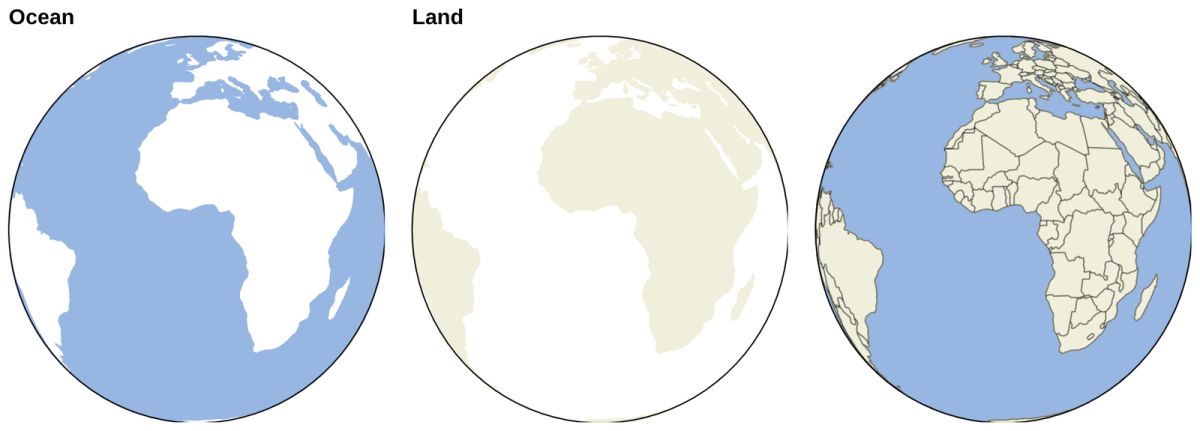
Ocean, land and borders on an orthographic globe with GeoViews.
-
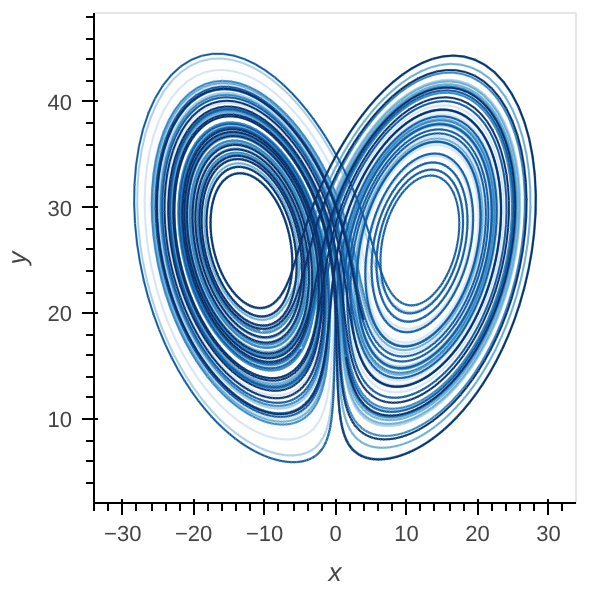
The Lorenz attractor drawn with HoloViews.
-
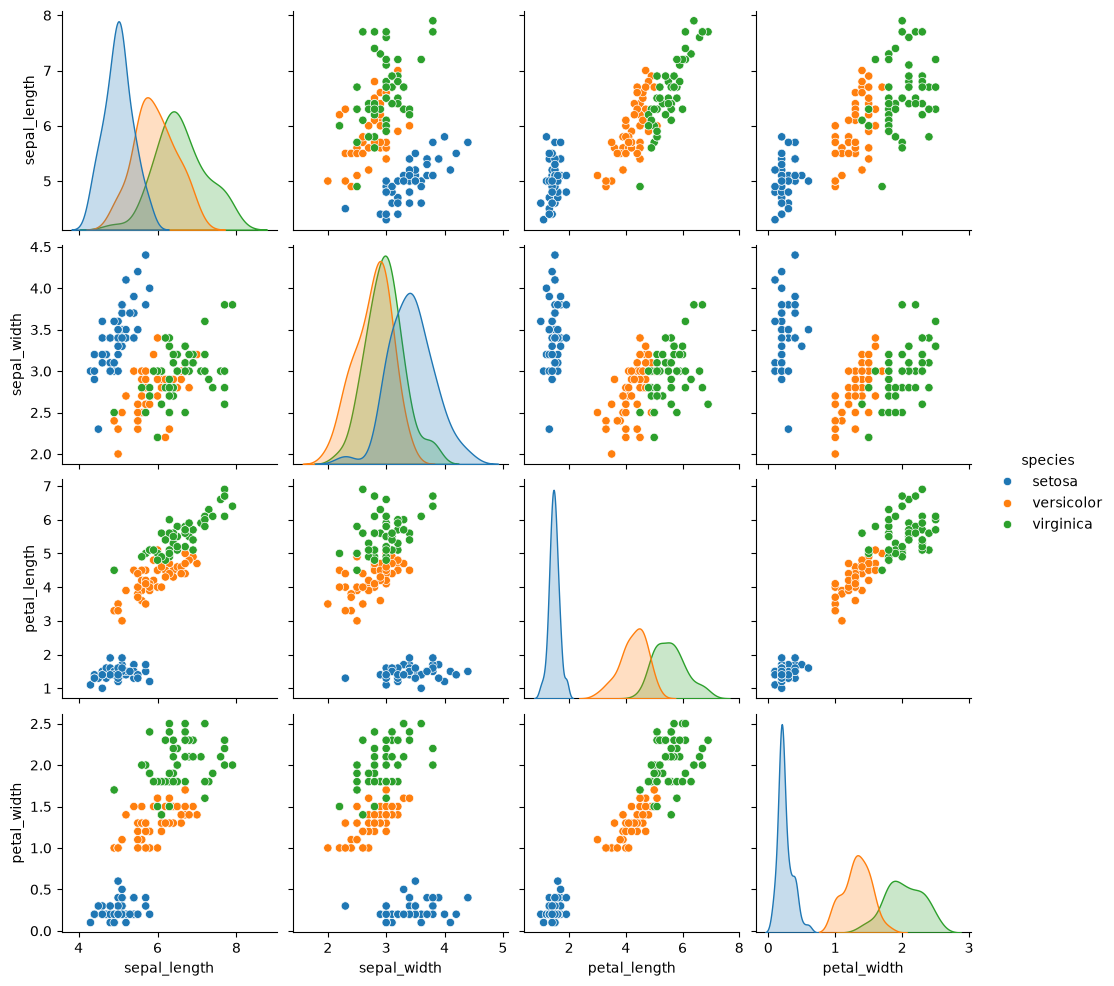
A seaborn pair plot of the iris data set.
-
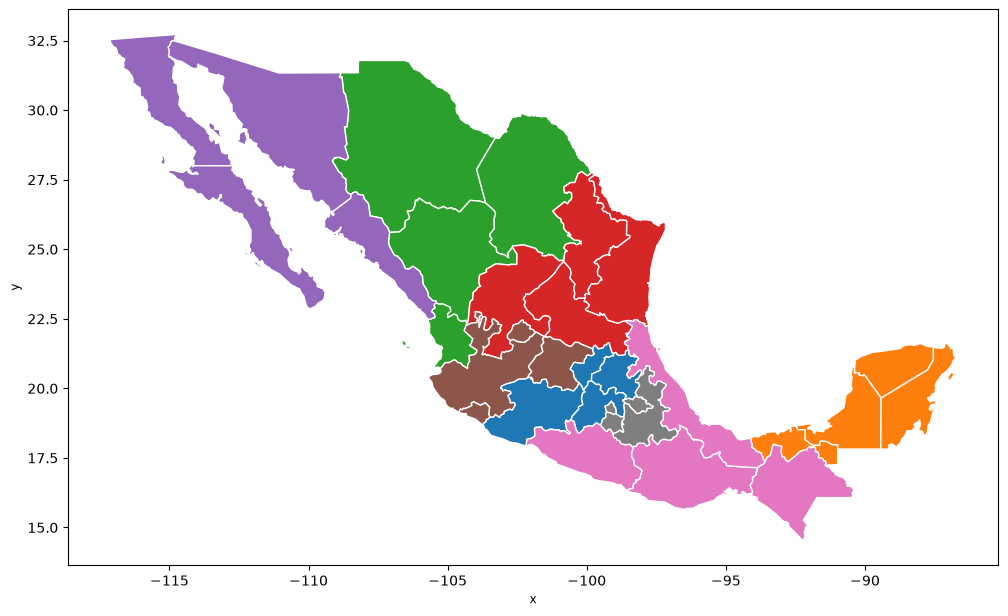
Regions of Mexico built with PySAL spopt.
-
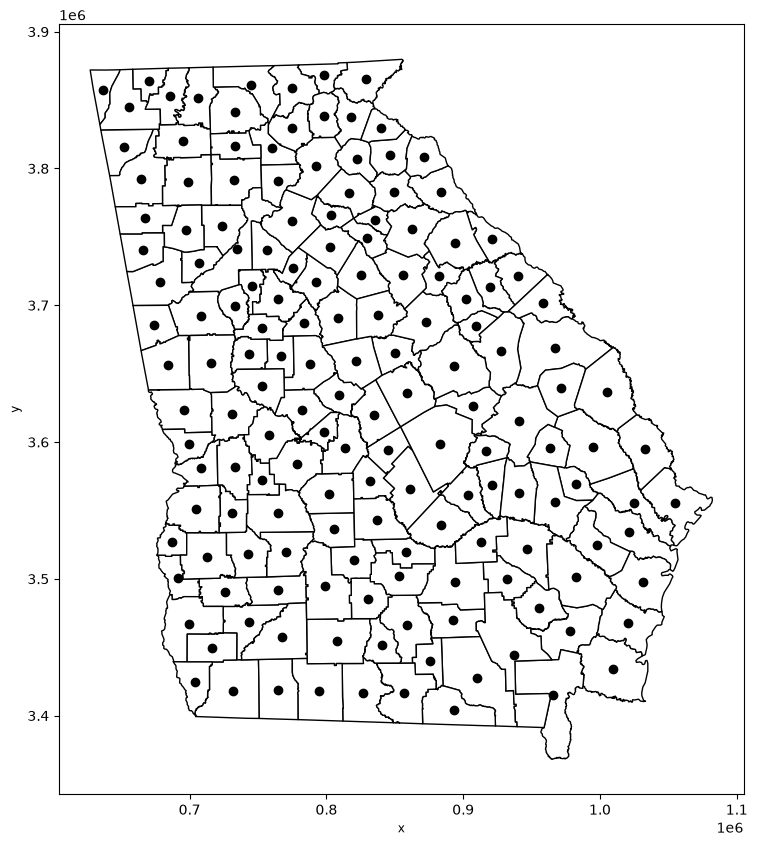
Multiscale Geographically Weighted Regression (MGWR)
Georgia counties and their centroids, from the PySAL mgwr demo.
Run the notebooks locally
git clone https://github.com/eugo-inc/ganymede.git
cd ganymede
python -m venv .venv && . .venv/bin/activate
Ray patterns: install Ray and open any notebook.
pip install "ray[default,data,serve,train,tune]==2.55.1" "protobuf<7" jupyterlab
jupyter lab ray_patterns/
Some patterns need extra libraries (for example torch, lightgbm, xgboost or optuna); the
Ray patterns page lists what each one needs. Keep protobuf below 7:
Ray Serve 2.55.1 does not work with protobuf 7.
Package tests: install the runner and the package you want to test, then run its notebook.
pip install -r package_tests/python/requirements.txt numpy
pytest package_tests/python/numpy.ipynb
Native checks: point the runner at an install prefix.
python package_tests/native/run_native_checks.py --prefix /usr/local -k zlib_ng
Demo notebooks: notebooks that connect to a database or a cloud service read their connection settings from environment variables; the Environment variables cell right after the title lists them. The case studies need no account: every read is anonymous.
Links
- Source code: github.com/eugo-inc/ganymede
- Cite: doi:10.5281/zenodo.24117548 (all versions; see How do I cite ganymede?)
- License: BSD 3-Clause, Copyright (c) 2026, Eugo, Inc. Adapted examples keep their own licenses; see THIRD_PARTY_NOTICES.md.
- Contributing: CONTRIBUTING.md · Security: SECURITY.md
- A plain-text index of every page for AI assistants: llms.txt
- Eugo: eugo.io